

Richer decisions
Offer specifications, comparisons, demonstrations, and support at the shelf.
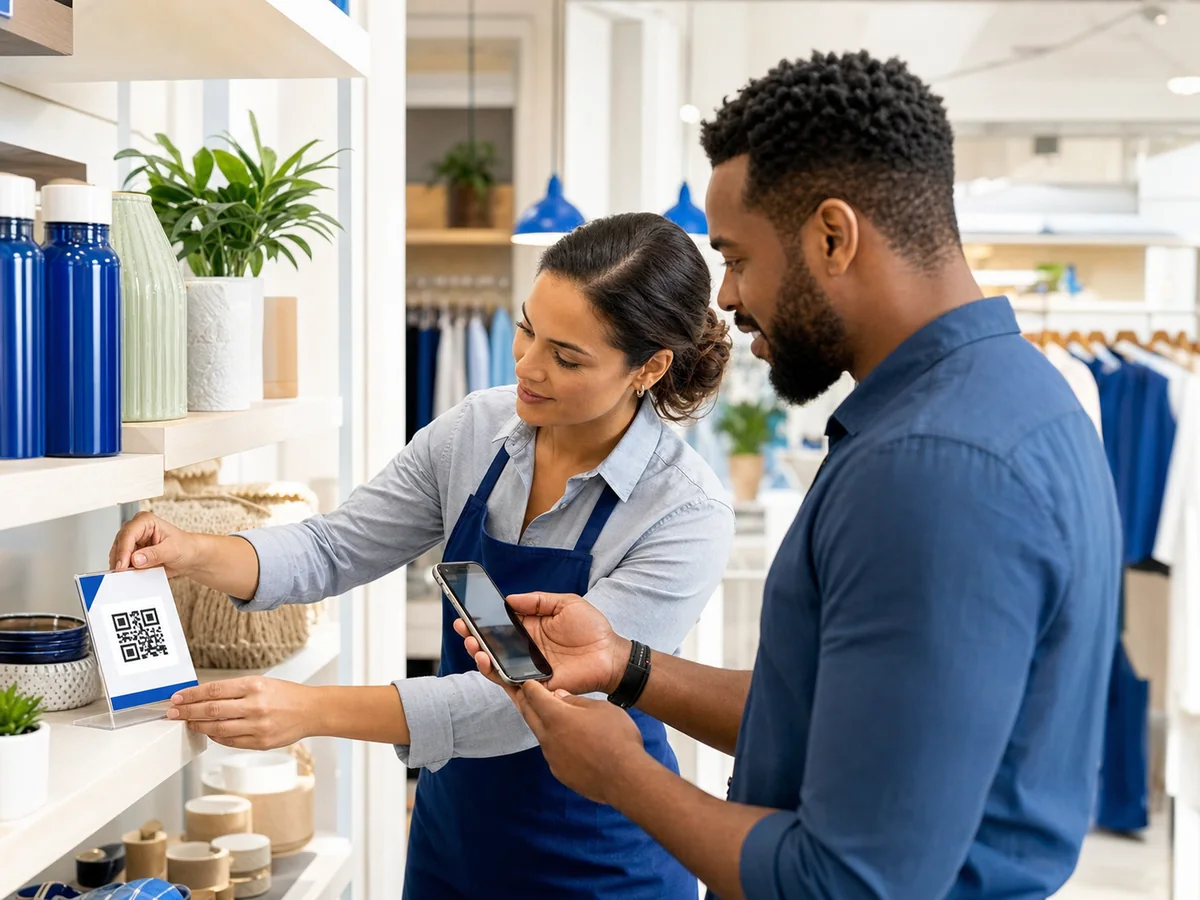
QR codes for retail
Give shoppers timely product information and offers while giving retail teams control over what each shelf, sign, or package opens.
The opportunity
Packaging and shelf cards cannot carry every specification, demonstration, accessibility detail, or campaign update. Managed QR codes extend the experience without crowding the display.
Offer specifications, comparisons, demonstrations, and support at the shelf.
Change seasonal offers behind existing displays and packaging.
Compare activity across stores, products, campaigns, and time periods.
Benefits
Each workflow combines a scannable physical touchpoint with a destination your team can manage after launch.
Share specifications, ingredients, care instructions, demonstrations, and availability.
Update campaign destinations without replacing shelf talkers, displays, or packaging inserts.
Connect setup guides, warranties, troubleshooting, replacement parts, and contact information.
Use folders and campaigns to distinguish products, departments, locations, and seasonal work.
Send customers to an authorized review destination without implying a platform partnership.
Pause withdrawn content, expire offers, and reactivate valid destinations when needed.
Recommended workflow
Choose whether the code supports discovery, comparison, purchase, or post-purchase help.
Organize codes for shelf cards, packaging, receipts, displays, and store windows.
Test contrast, quiet zone, material, lighting, distance, and the final printed size.
Update content as products and offers change, then compare scan activity by campaign.
Use-case playbook
Create a separate managed record for each placement when you need clear ownership or reporting.
Specifications, stock details, comparisons, demonstrations, and extended descriptions.
Setup, ingredients, authenticity, recycling, care, warranty, and support resources.
Seasonal promotions, featured collections, contests, and product education.
Returns information, support, loyalty programs, authorized reviews, and future offers.
Common questions
Yes. Save a template, then create separately named and organized records for each product or placement.
Yes. Dynamic destinations can be updated while the printed code remains the same.
Supported managed product pages can include an optimized product image within the configured upload limit.
Create a managed retail QR code that can keep pace with inventory, campaigns, and customer needs.