

Fewer reprints
Keep the same table card when a menu or campaign destination changes.
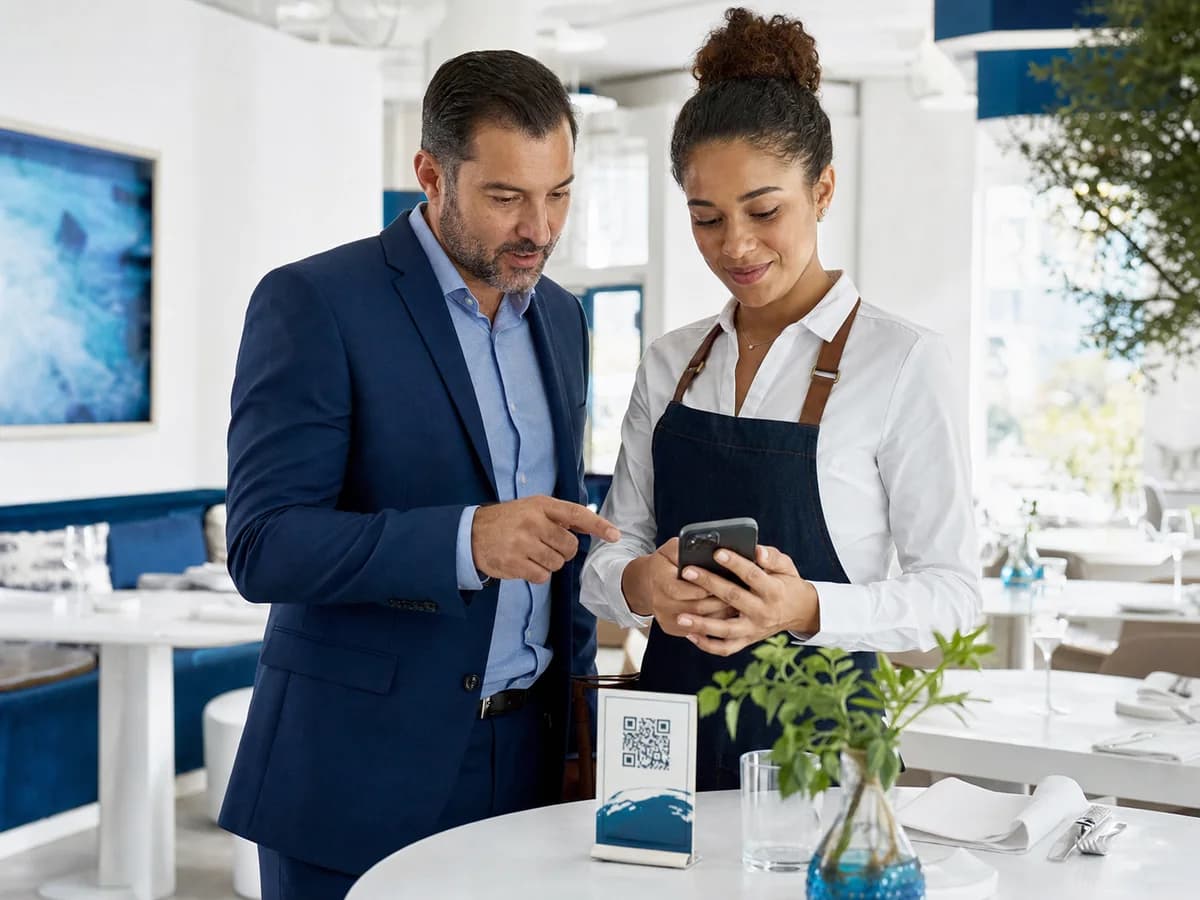
QR codes for restaurants
Replace outdated menu links and one-off table cards with managed QR experiences your team can update between services without reprinting.
The opportunity
Prices, availability, seasonal dishes, opening hours, and promotions can change faster than printed material. aQRify gives restaurant teams one stable QR code with content that can evolve behind it.
Keep the same table card when a menu or campaign destination changes.
Publish changes before the next service instead of waiting on new artwork.
See when and where guests scan managed restaurant experiences.
Benefits
Each workflow combines a scannable physical touchpoint with a destination your team can manage after launch.
Update sections, items, prices, descriptions, and images while the QR code stays unchanged.
Move a table code from lunch to dinner, holiday offers, or event information as service changes.
Open a mobile-ready experience without requiring guests to install an app.
Direct satisfied guests to an authorized review page or collect structured feedback after a visit.
Use folders, campaigns, and tags to separate locations, dining rooms, or seasonal launches.
Pause an outdated offer, set an expiration date, or restore a campaign without replacing the printed code.
Built for real menus
Give every location a polished digital menu while keeping everyday updates simple for the people running service.
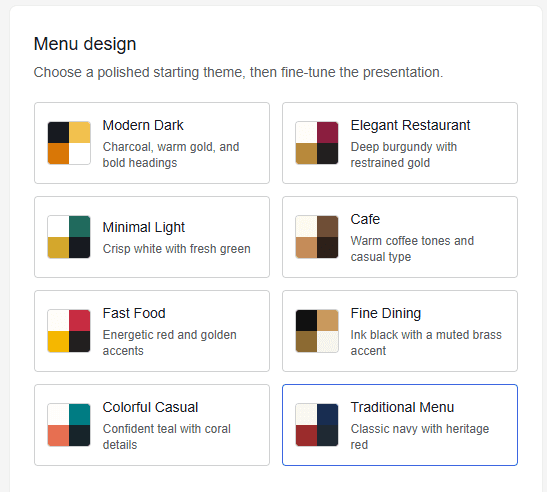
Start from eight restrained restaurant themes, then refine colors and presentation for your brand.
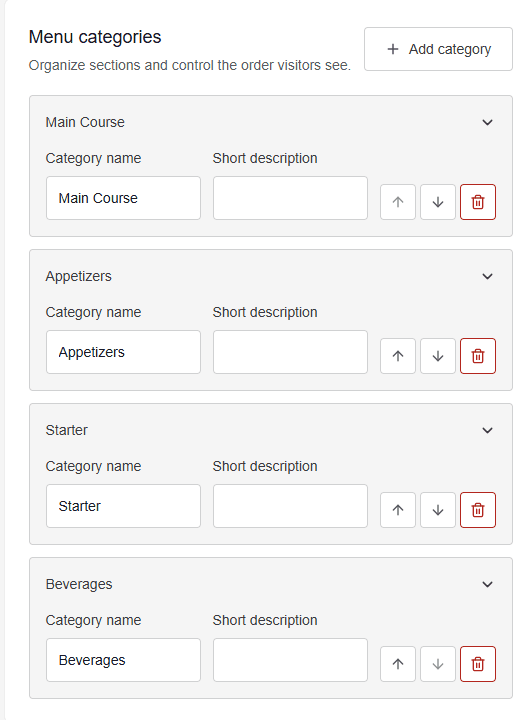
Create, rename, describe, reorder, and remove categories as the menu changes between services.
Recommended workflow
Start with a managed menu, website, offer, event, social profile, or feedback destination.
Use a concise scan prompt, strong contrast, and a quiet zone that works at real table distance.
Test on iPhone and Android, then place codes on tables, receipts, windows, or takeaway packaging.
Adjust content from the dashboard and review scan activity by time, device, and campaign.
Use-case playbook
Create a separate managed record for each placement when you need clear ownership or reporting.
A managed menu page with current items, pricing, dietary notes, and photos.
Reorder links, loyalty information, preparation notes, or a rotating offer.
Opening hours, reservations, waitlist access, and after-hours browsing.
Feedback, authorized review requests, events, or a return-visit incentive.
Common questions
Yes. A dynamic restaurant menu uses a managed aQRify link, so menu content can change while the printed QR pattern remains the same.
Yes. Use folders, campaigns, tags, and clear naming to organize codes by location, service, or promotion.
Yes. Set an expiration date or pause the code manually. Visitors receive a clear unavailable state instead of an outdated offer.
Launch a menu or campaign now, then update it as service changes without another print run.